API Authentication
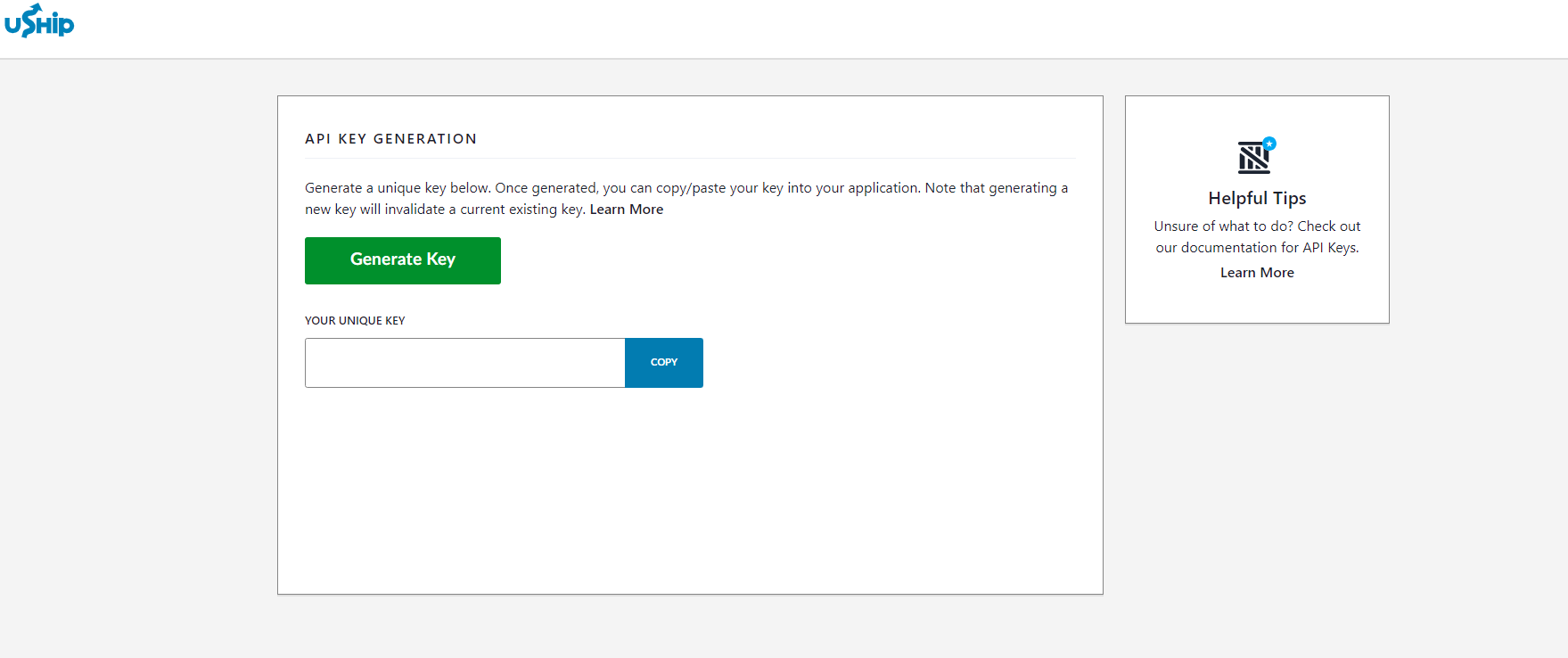
Authentication for our API's is done through a self generated API key provided through the sandbox environment. After generation this key never expires and provides user access to the API's and ties the API calls to the specific uShip account under which the key was generated. Here are the steps for generating the key for testing in the sandbox environment:
Create account at uShip Sandbox
Navigate to API Key Page
Copy and Save API Key generated
This key has no expiration associated with it
If you generate a new key it will invalidate existing key
Using Key to Authenticate
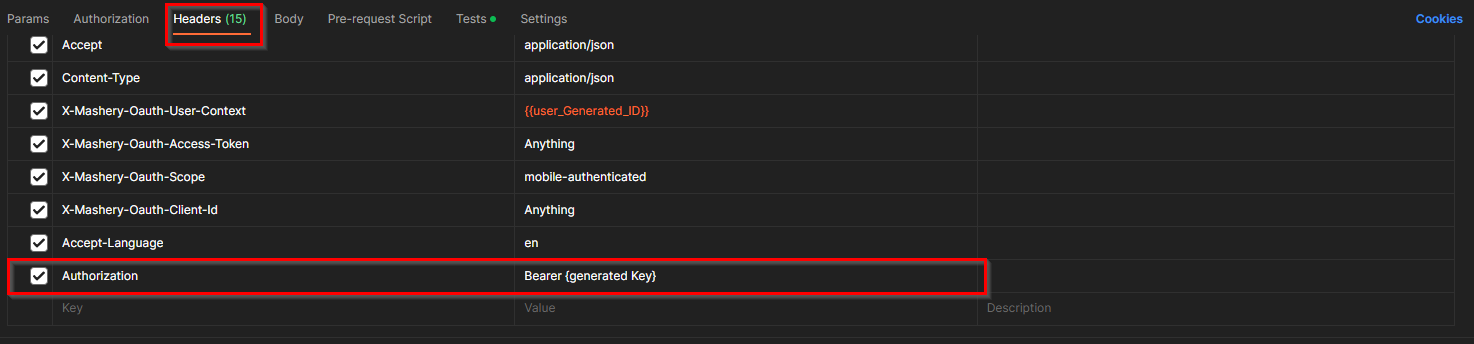
For authentication, pass the generated key in the request headers as Authorization --> Bearer {Api Key Value}
ex. Bearer cc.v1.MG9hMWw1MHl4YmZWZjdFXVEwaDg6a0JBU2RIWm9LaElZR1ZRRWO1bk5aR0tfNGpuVDA0RVoyNnBuYzJsUVhhLWtOLVFqTjhrZTRBbHl1dLtiSnZfcg==